When someone searches Google for a car, they increasingly see actual cars: a photo, the make and model, the price, the kilometres and the dealership's name, in a row at the top of the results. These are Google's vehicle ads, often called Vehicle Listing Ads. For a dealer with stock to move, they're one of the most direct ways to put a specific car in front of someone who's shopping for it right now.
Here's how they work in Australia, what you need to run them, and the mistakes to avoid.
What vehicle ads are
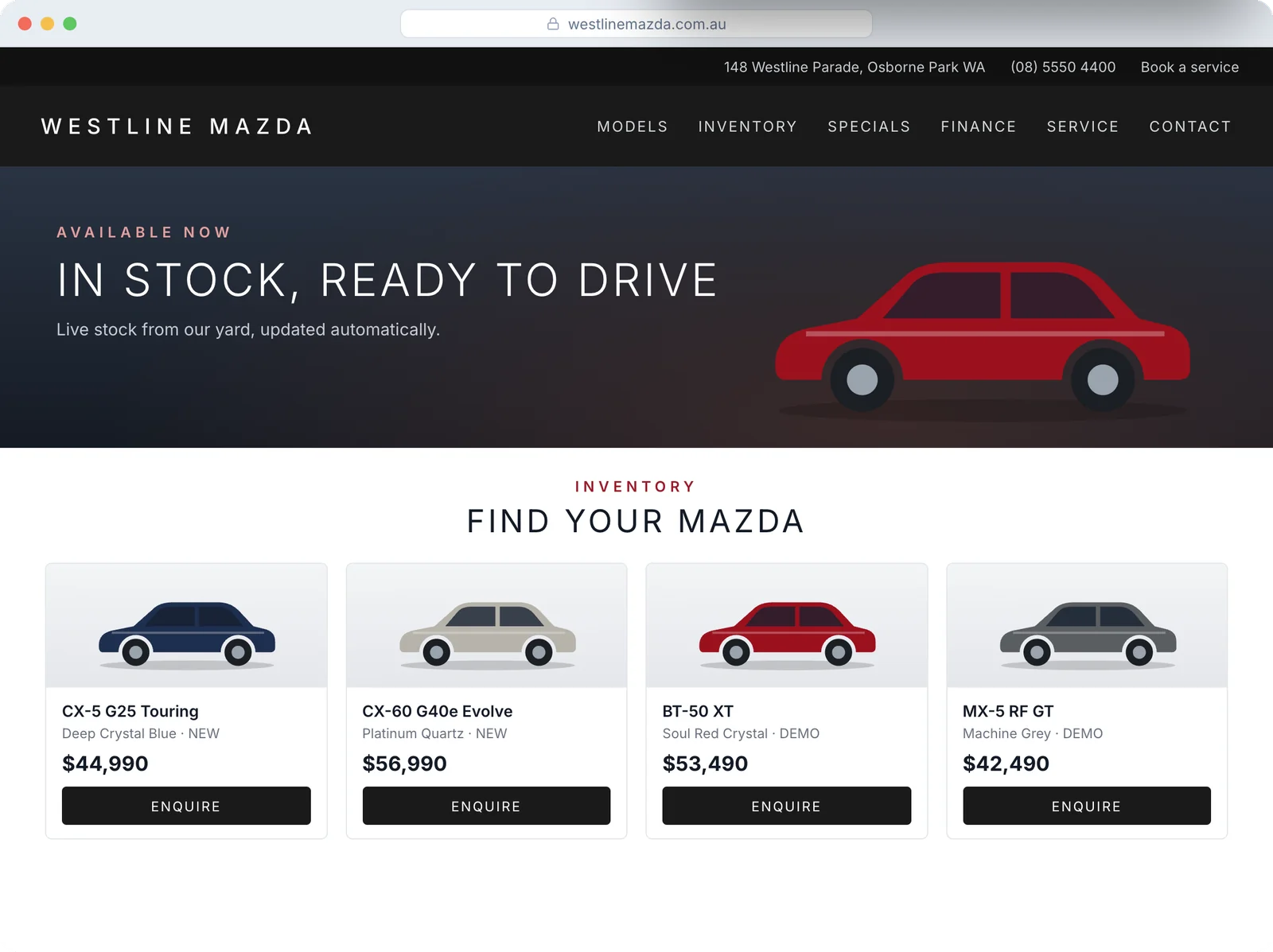
Vehicle ads show your stock, car by car, to people searching for vehicles on Google. Each ad shows key details such as make, model, price, mileage and the dealership name. When someone clicks, they land on that car's vehicle detail page (VDP) on your website, where they can enquire, book a test drive or call.
They appear on Google Search, and Google is gradually expanding them to more placements.
Are they available in Australia?
Yes. Australia is one of the countries where vehicle ads are fully released, alongside Canada, Japan and the United States. Australian dealers can switch them on directly in Google Merchant Center without applying for a beta.
One limitation matters: only non-commercial passenger vehicles are supported. That means cars and utes. Commercial vehicles, farm equipment, motorbikes and similar aren't eligible.
What you need
- A Google Merchant Center account with the vehicle ads add-on turned on.
- A vehicle feed. This is a data file of your stock that Google reads, with the details it needs for each car: make, model, price, mileage, condition and more. Google uses these to match cars to searches, so complete, accurate data matters.
- Google Ads linked to Merchant Center.
- Your Google Business Profile linked, or your dealership location supplied, so ads can show where the car is.
- A proper vehicle detail page for every car. The click goes to the VDP, so it needs the right price, photos, specs and a clear way to enquire.
- A campaign to run them. Vehicle ads run through Performance Max (or a Standard Shopping campaign) with your vehicle feed attached.
Where dealers go wrong
The feed doesn't match the lot
The fastest way to waste money is advertising a car you sold last Tuesday. The feed needs to update as stock changes, ideally automatically from your DMS. Sold cars should drop out; new arrivals should appear.
The price doesn't match the page
If the feed says one price and the VDP says another, you'll frustrate customers and risk problems with Google's policies. Keep them in sync from one source of truth.
Weak vehicle detail pages
A great ad that lands on a slow page with three blurry photos and no enquiry form won't convert. Every VDP needs good photos, the key specs, the price, and an obvious way to book a test drive or ask a question.
New, used and demo lumped together
Customers shopping for a demo CX-5 behave differently from someone after a five-year-old ute. Separate your stock types so budget goes where it performs.
Measuring clicks instead of cars
Vehicle ads can drive a lot of traffic. What matters is how many of those clicks became enquiries, appointments and sales. That means tracking every enquiry back to the ad and the car, and following it through to the deal.
How we run them
At Dealership Marketing, vehicle ads are part of our Google Ads service, and they're built on live stock.
- Stock from your DMS. Whatever DMS you run, we'll connect it, so the feed reflects what's actually on the lot.
- Dealer Websites with live stock. If you're on one of our Dealer Websites, the vehicle pages pull from the same stock, so the ad, the page and the lot all match.
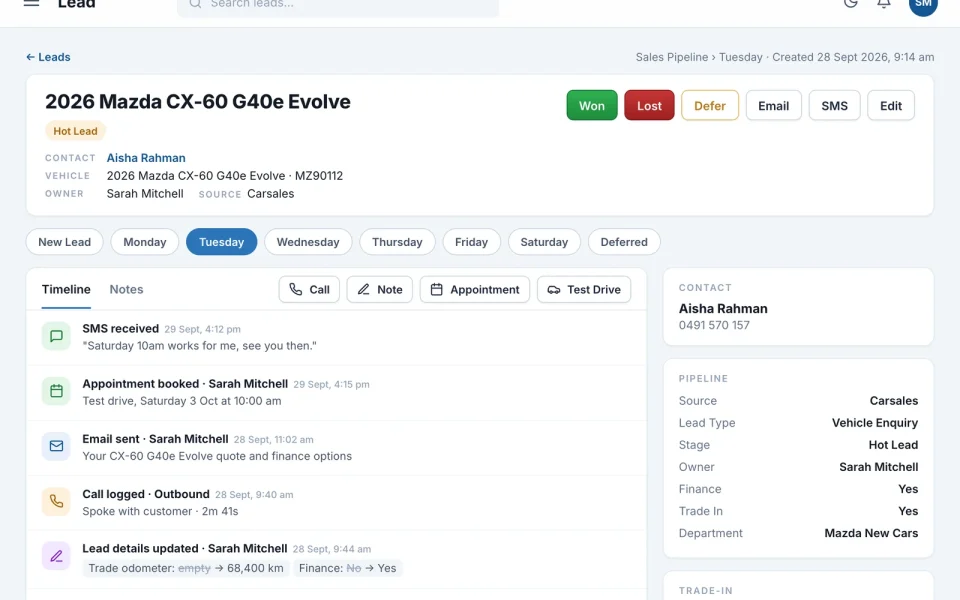
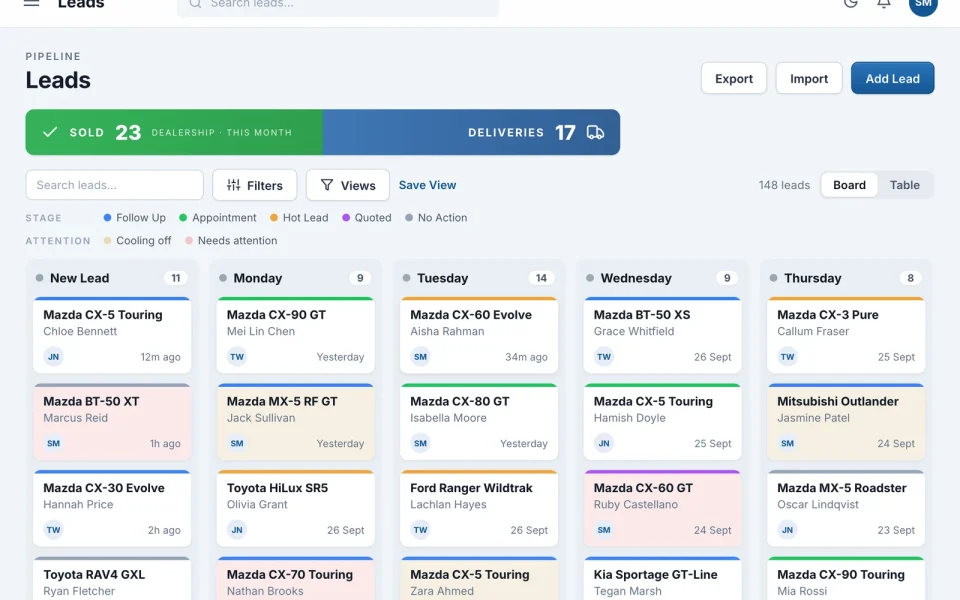
- Enquiries straight into Odin. Every enquiry from a VDP lands in Odin with its source attached and goes to the right salesperson by round robin.
- Reporting to the sale. Because the enquiry is in Odin, we can show which ads led to appointments and sold cars, not just clicks.
We work month to month, with no lock-in contracts.
Want to know if vehicle ads would work for your stock? We'll review your current Google Ads, your tracking and your vehicle pages, and give you a plan. Get a free marketing audit.
Details on eligibility and requirements come from Google's own Vehicle ads help pages, and Google can change them at any time.